ShutDeBox - The Ultimate Shut The Box iOS App
ShutDeBox is an accurate simulation of the hardware version of 12 tile Shut the Box.
This app includes audio just as if you are playing the board game and provides audible and visual alarm/warning if you try to roll before flipping the appropriate tiles. It locks tiles down that have been flipped over once you roll the dice again. I haven't found any other Shut the Box games on the App Store that have 12 tiles and work on both the iPad AND iPhone. 12 tiles means the odds of winning a single game are very low. (In an automated version of the game that was run 10,000,000 times, it averaged one win out of every 214 games!!) Like the "real" (hardware board) game you can play friends passing the phone or iPad back and forth (or both playing on individual iOS devices and manually comparing and keeping score) adding up scores. The person with the lowest score after some time or number of plays wins. One unique feature of the app is the ability to analyze the roll and see if there are any moves left and if there are moves available it displays the best choice of tiles to flip. One selectable feature is the "Hide/Show Help" button which enables several cues to the user including: suggested tiles to flip, current score, current roll total, value left from the roll after flipping a tile, and an alert notifying you if there are no moves remaining. Additionally, each die uses a different type of random number generator, and are themselves further randomized before picking the dice value.
ShutDeBox is a simple game that somehow becomes addicting. You'll spend a good chunk of free time trying to win, or if you only have a few minutes available, it is still fun to just play several rounds in less than a minute.
THERE ARE NO OTHER GAMES LIKE THIS ONE CURRENTLY ON THE APP STORE for iPad and iPhone with the features described.
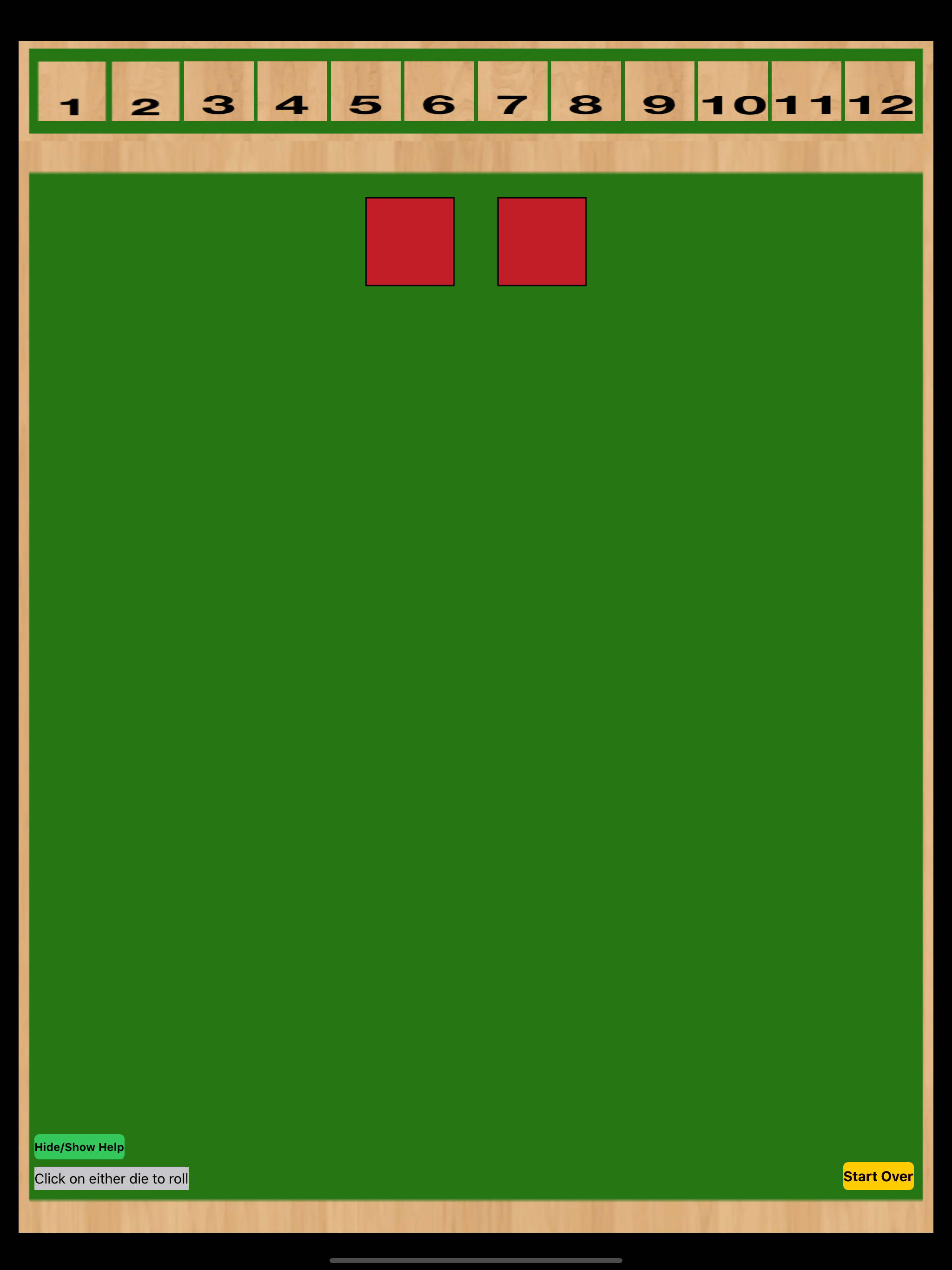
Opening Board - Starting the app, this is the first window. Notice the dice are blank. Just click on either dice to roll.
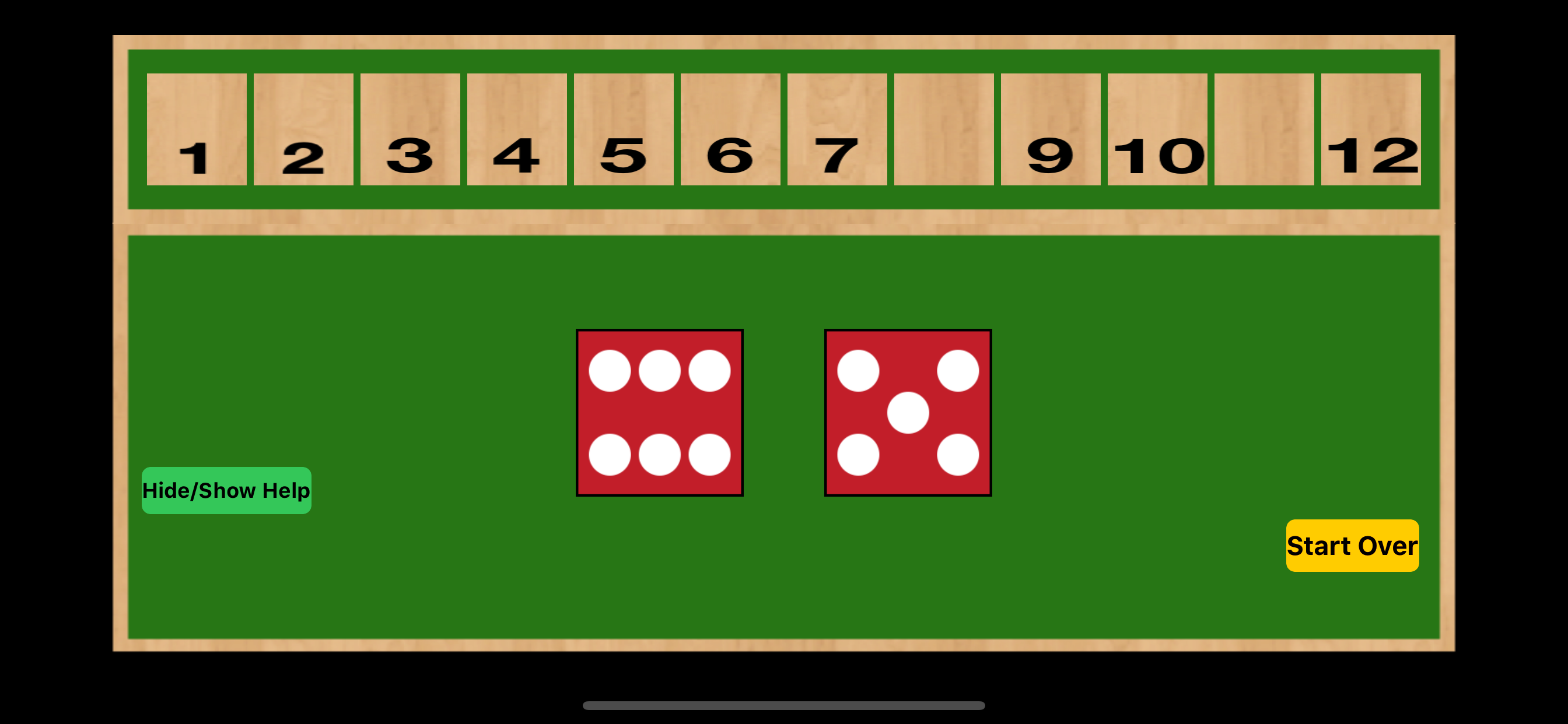
After a few rolls - the board will look something like this. Just keep rolling and flipping the appropriate tiles
Bad flip - will result in an alarm and error message. Also notice the "Hide/Show Help" button has been toggled, now showing total, dice roll, dice roll remaining to be flipped, and suggested tiles to be flipped.

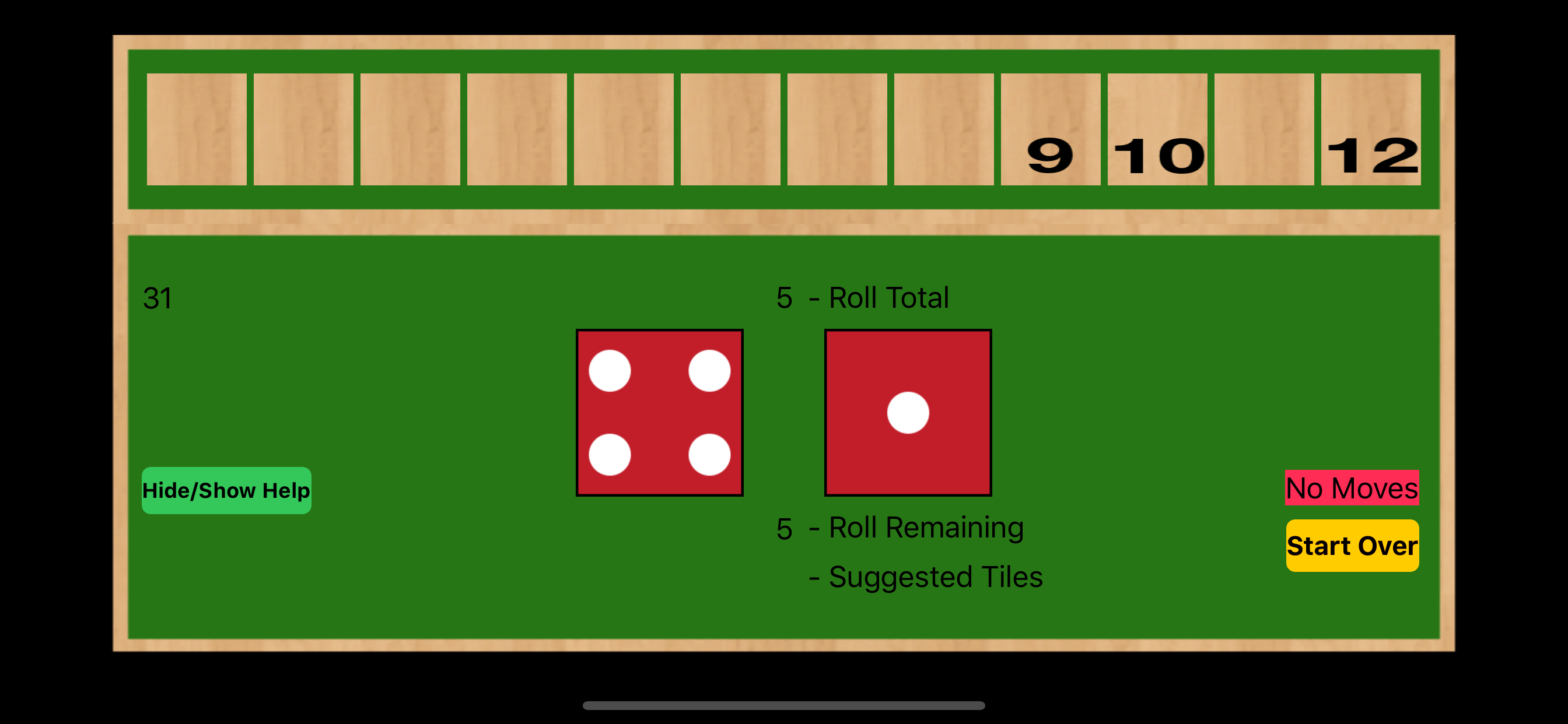
Losing - Eventually, you will most likely run out of appropriate tiles to flip. This is when the app tells you there are no more moves, IF "Hide/Show Help" has been toggled to show help. (After losing, just play another round by hitting "Start Over".)
If you do win a round, you'll hear the crowd roar. Enjoy the feeling, it doesn't happen too often!
A quick preview video of the app is provided here.
BASIC RULES:
1. Roll dice
2. Flip tiles that sum to the dice total. (Can unflip a tile you just flipped, if you haven't rolled again.)
3. If the proper tiles have been flipped (total of flipped tiles adds up to dice roll total) then proceed to step 1.
4. If there are no tiles that can be flipped based on the dice roll, you've lost
5. If all the tiles have been correctly flipped, you win. (You'll hear the crowd roar!)
6. Click "Start Over" and go back to step 1.
The following displays are available if the "Hide/Show Help" button is toggled:
1. Sum of all tiles remaining to be flipped (upper left)
2. Current dice roll total (above dice)
3. Value remaining from dice roll for tiles to be flipped (immediately below dice)
4. Suggested tiles to flip based on the roll (immediately below item 3)
5. "No Moves" displayed when there are no moves remaining (immediately above "Start Over" button)
ENJOY